Essential Backup Strategies Every Business Must Know
June 2, 2025

Location:
4 Harshddhi Complex , 7 Kotak Street Bhupendra Road Rajkot 360001Urgent Need Support?


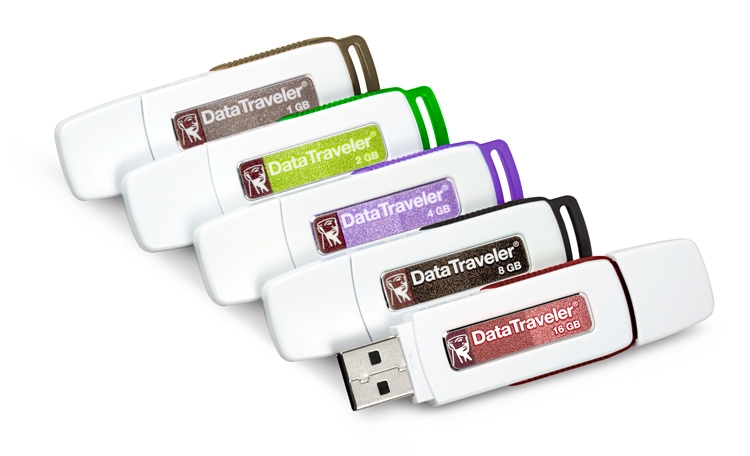
Experiencing data loss on your Kingston DataTraveler Exodia USB drive can be distressing. Whether it’s due to accidental deletion, corruption, or other issues, recovering your valuable files is often possible. This guide outlines the steps you can take to attempt data recovery and prevent future data loss.
Once you notice data loss, it’s crucial to stop using the USB drive. Continuing to write data to the drive can overwrite the lost files, making recovery more difficult or even impossible.
Before diving into recovery methods, verify if you have backups of the lost data. Check cloud storage services, other devices, or backup software that might have copies of your files.
If no backups are available, data recovery software can help retrieve lost files, especially in cases of accidental deletion or corruption. Follow these steps:
If the USB drive is physically damaged, unrecognized by your computer, or if software recovery fails, it’s advisable to consult professional data recovery services. Experts have specialized tools and cleanroom environments to recover data from damaged drives safely.
To minimize the risk of future data loss:
Our skilled technicians are dedicated to restoring your devices to their optimal functionality.


Urgent Support?

© Bhimani Data Recovery. All Rights Reserved by Bhimani Data Recovery